Dose Log widget
Daily logging across on-days and off-days. Dose Log has 6 widgets for your dashboard and for the home screen on your phone and computer.
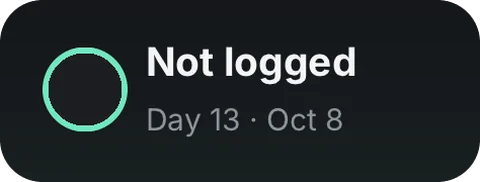
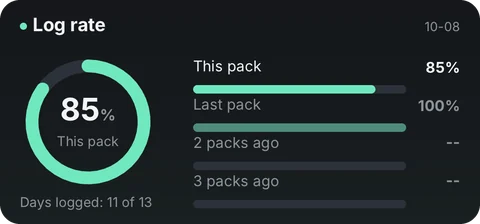
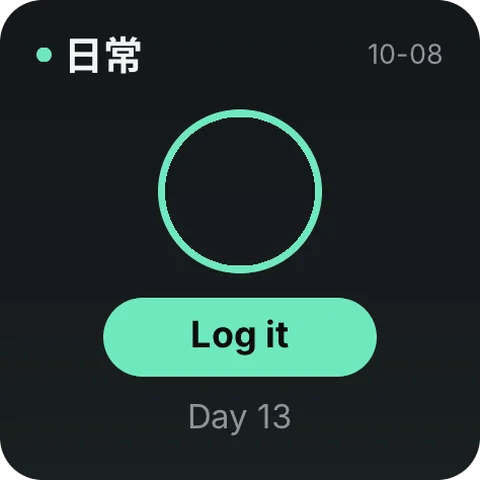
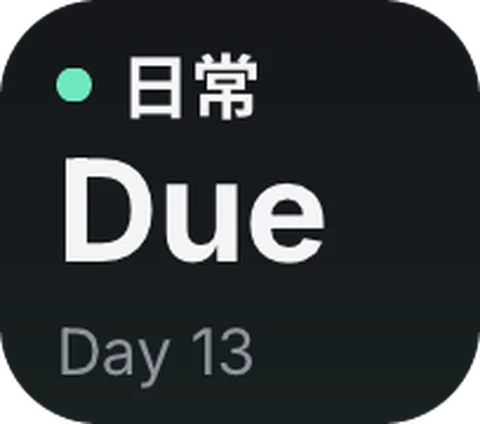
All 6 widgets
- This packWhole-pack grid · where you are in the cycle
- Mini barToday's dose on one line · in-app slim bar (home screen: Android/HarmonyOS only)
- Pack left · tinyPills left in this pack · days to the break
- Log rateHow complete this pack and the last three are
- TodayLogged today or not
- Today · tinyLogged today or not
Where the data comes from
This tool doesn't use the network. What you record stays on your device.
On your home screen
Add the widget to your dashboard in Numable first, then add a Numable widget to your home screen.
Similar tools
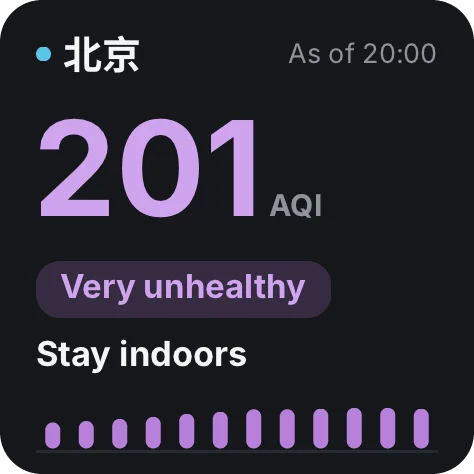 Air QualityAir now, the next 24 hours, and what to do9 widgets
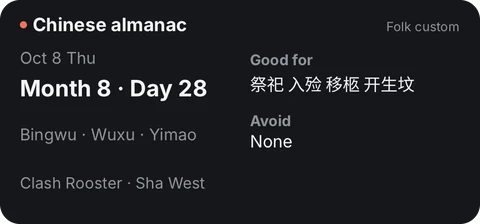 Chinese CalendarLunar dates, solar terms & China holidays11 widgetsDaysCountdowns, anniversaries & birthdays6 widgets
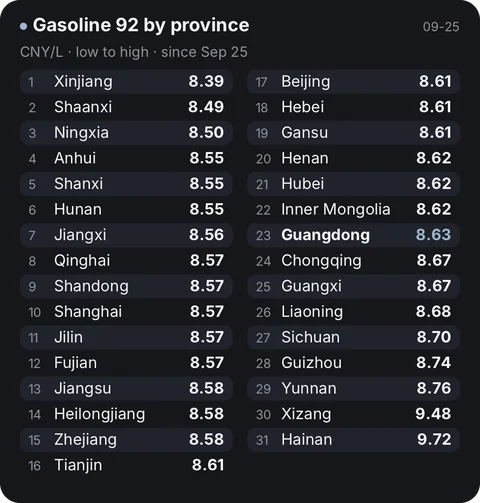 Fuel PricesChina fuel prices, trends & next change7 widgetsJournalA page a day7 widgets
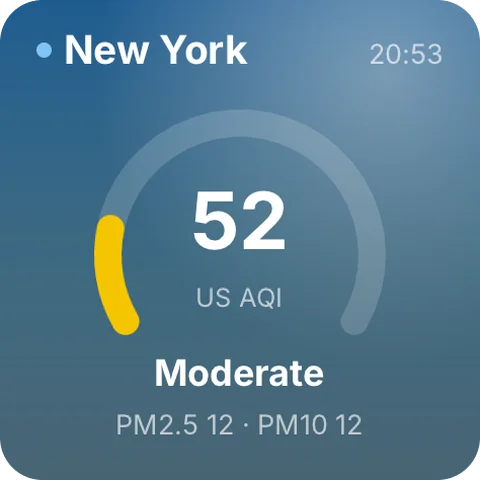 WeatherSky, hourly, air quality and sun11 widgets
Questions
Is Dose Log free?
Adding tools is always free. Free includes 6 widgets, 1 dashboard and 2 home screen widgets, updating at most once every 5 minutes. Pro has no limits, and each widget updates as fast as its tool allows.
Does the data go through Numable's servers?
This tool doesn't use the network. What you record stays on your device.
How often do home screen widgets update?
The system decides how often home screen widgets update, so their data can be a little older than in the app. On HarmonyOS, service widgets show what was on screen the last time you opened Numable.
Which devices are supported?
iPhone, iPad, Mac and Android are available now, each with system home screen widgets. HarmonyOS NEXT and the Windows desktop app are coming soon.