Desktop widgets for Mac
Put exchange rates, gold, the macro calendar, commits and more on your Mac desktop and in Notification Center. Numable for Mac also includes a desktop editor for connecting your own data and making new tools.
How to add one
Add the widget to your dashboard in Numable first, then add a Numable widget to your home screen.
- Edit widgets on the desktop or in Notification Center.
- Find Numable and add it.
- Edit the new widget and pick which dashboard widget it shows.
How often it updates
macOS decides how often desktop widgets update, so their data can be a little older than in the app.
Tools you can put on the home screen
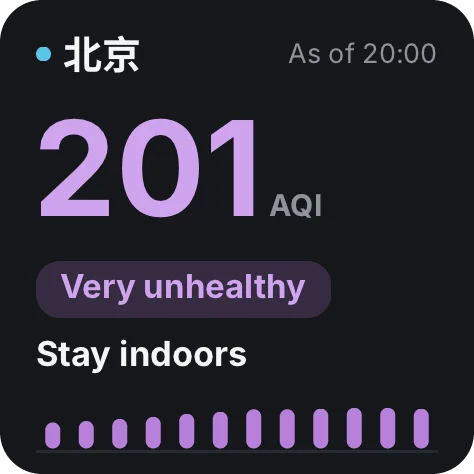 Air QualityAir now, the next 24 hours, and what to do9 widgets
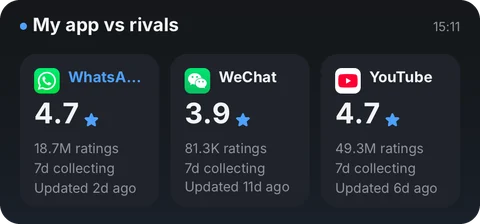 App Store BoardRatings, releases and your own sales23 widgets
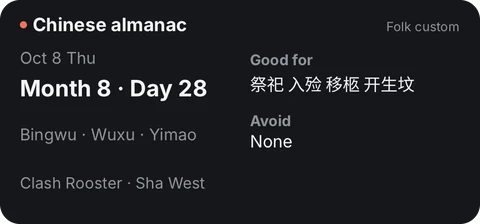 Chinese CalendarLunar dates, solar terms & China holidays11 widgets
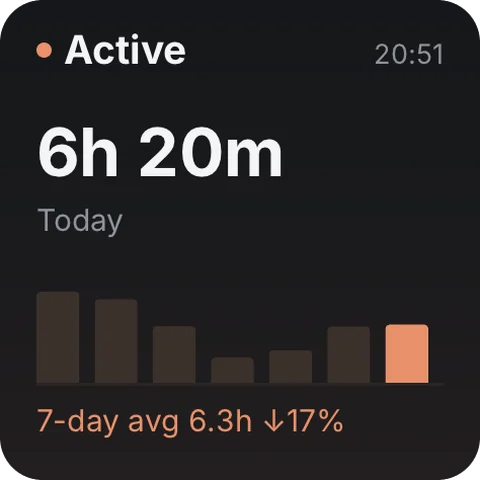 Claude Code UsageToday's usage, recent trend and model mix29 widgets
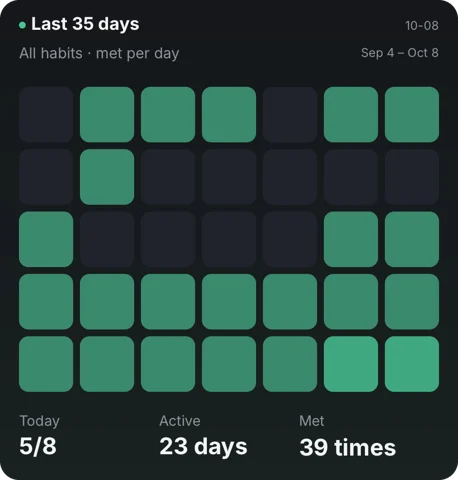 Check-inKeep a daily streak on what matters14 widgets
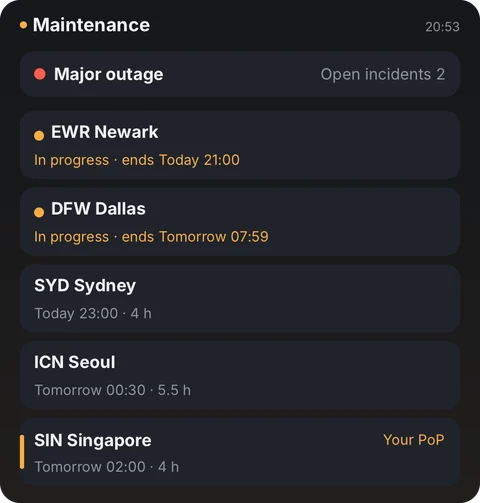 Cloudflare WatchGlobal status and your traffic14 widgets
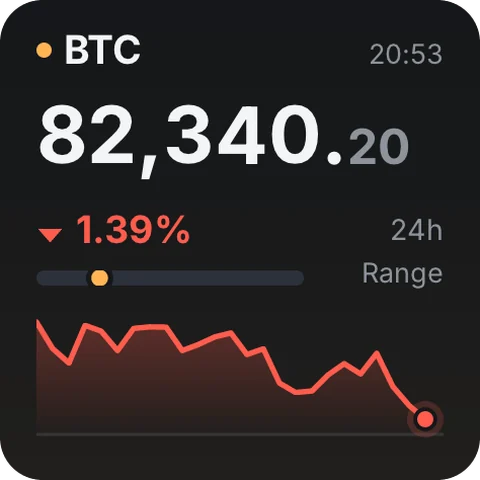 CryptoCharts, order book & funding16 widgets
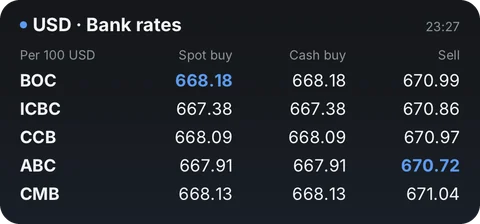 Exchange RatesLive rates, trends & transfer comparisons22 widgets
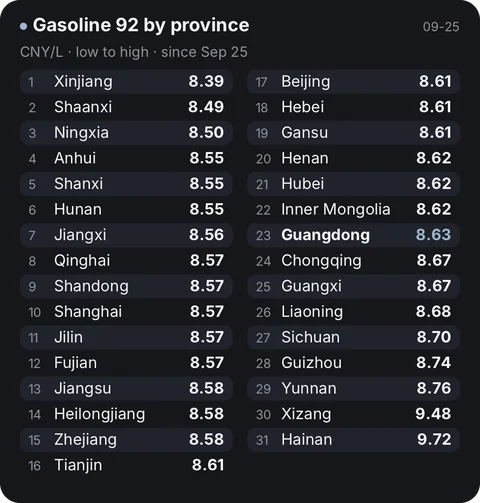 Fuel PricesChina fuel prices, trends & next change7 widgets
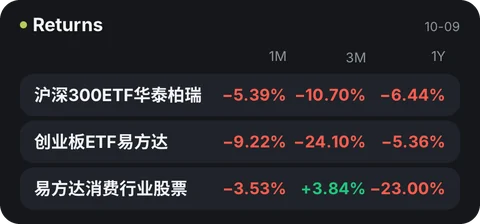 FundsChina mutual fund NAVs and returns7 widgets
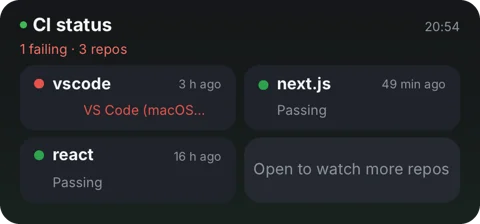 GitHub InboxPRs, CI and your commit rhythm15 widgets
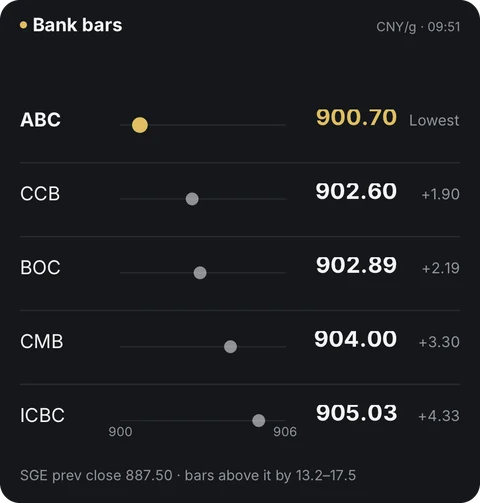 Gold PriceChina & international gold18 widgets
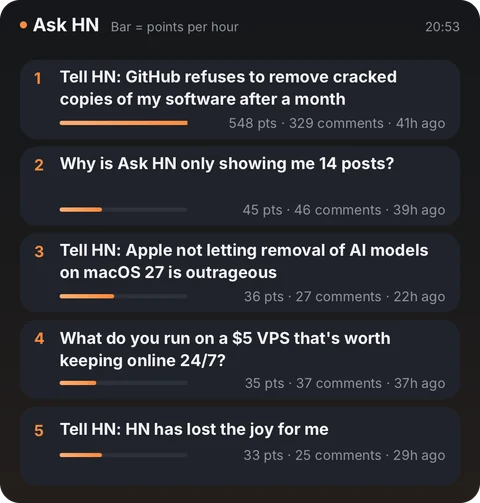 Hacker NewsWhat's catching fire now9 widgets
 Hugging Face PapersThe day's most upvoted AI papers5 widgets
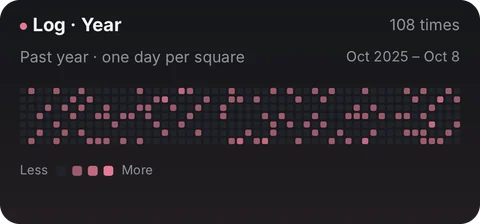 Love LogFrequency and gaps — stays on this device8 widgets
 LedgerLog spending fast, see where it goes7 widgets
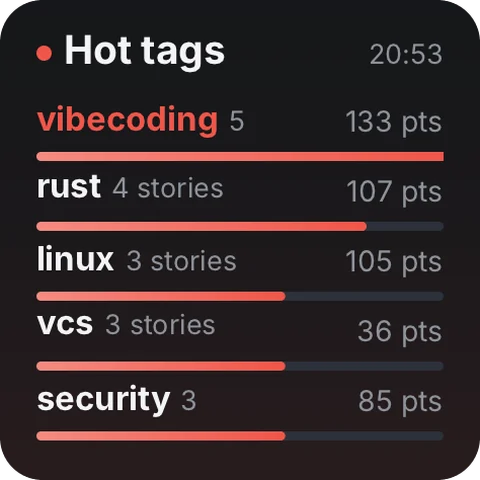 LobstersA computing-focused link-sharing community5 widgets
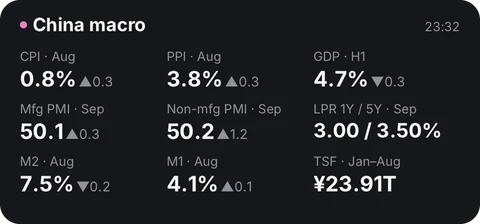 Macro CalendarJobs, CPI & Fed rate vs. forecast14 widgets
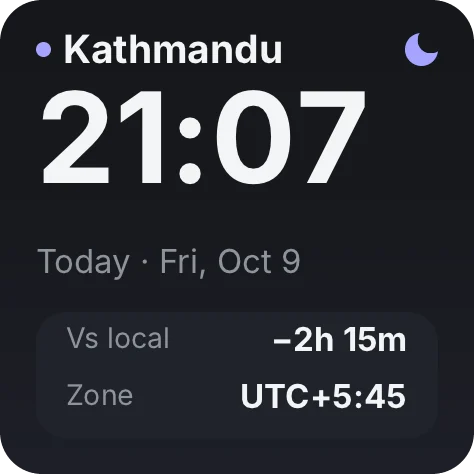 Time ProgressMonth, quarter, year & your days11 widgets
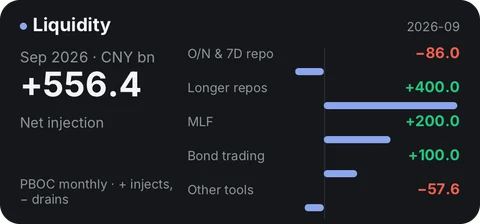 PBOC WatchChina's repo ops, LPR, RRR & money rates7 widgets
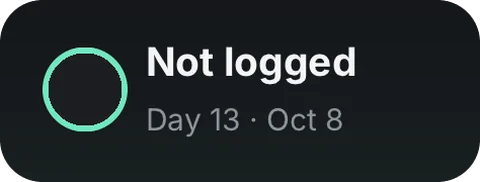 Dose LogDaily logging across on-days and off-days6 widgets
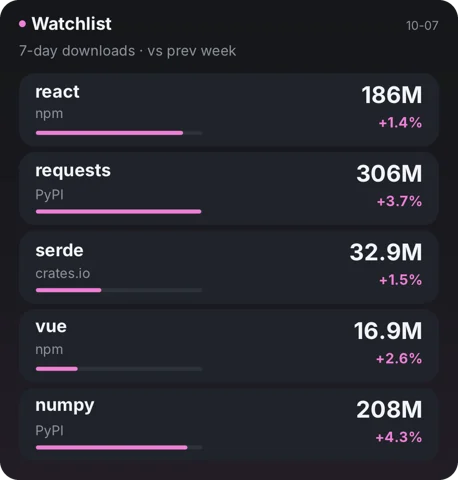 Package StatsWeekly downloads, trends and releases8 widgets
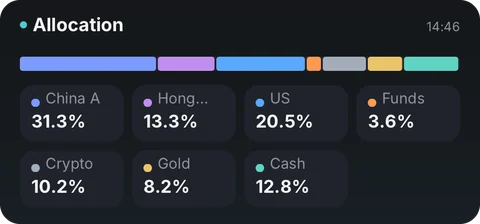 PortfolioStocks, funds, gold and cash in one place7 widgets
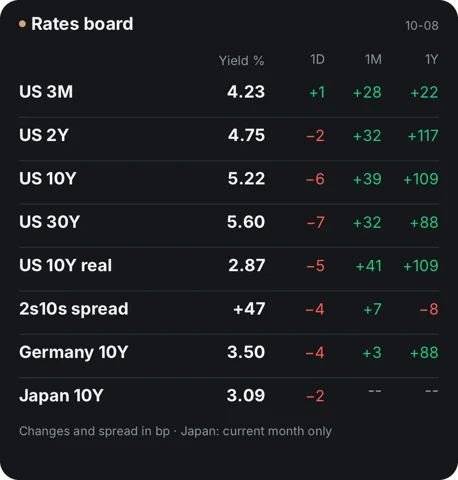 RatesTreasury curve, global yields & real rates14 widgets
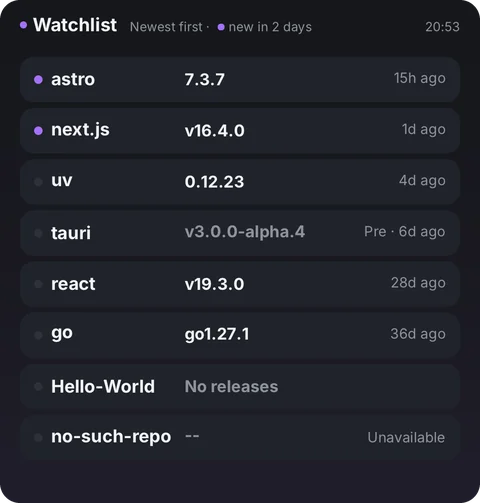 Release WatchNew versions from repos you follow5 widgets
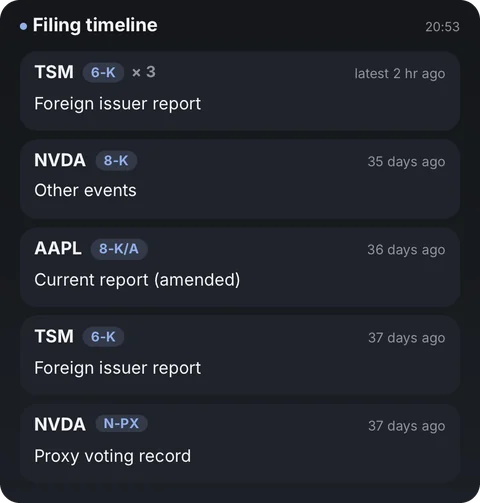 SEC FilingsWhat your US stocks just filed6 widgets
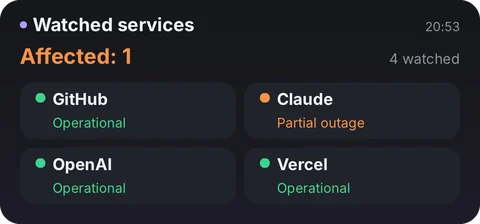 Service StatusIs GitHub, Claude or Vercel down now?7 widgets
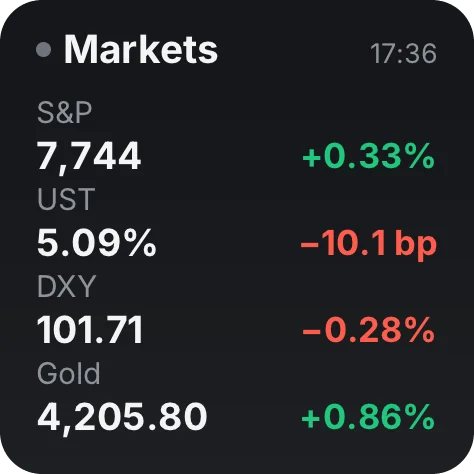 StocksUS, Hong Kong and China A-share markets33 widgets
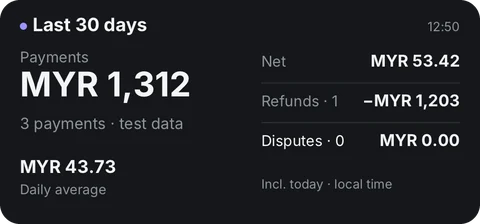 Stripe RevenueToday, this month, balance & disputes6 widgets
 To-doJot it down, plan it, get it done16 widgets
 YouTube StatsViews per hour, engagement and cadence16 widgets
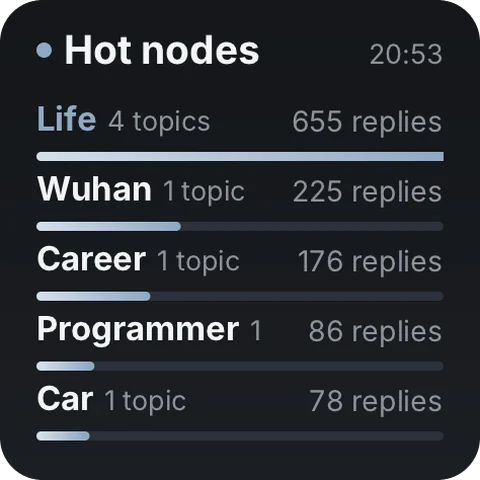 V2EXChinese tech community · titles in Chinese5 widgets
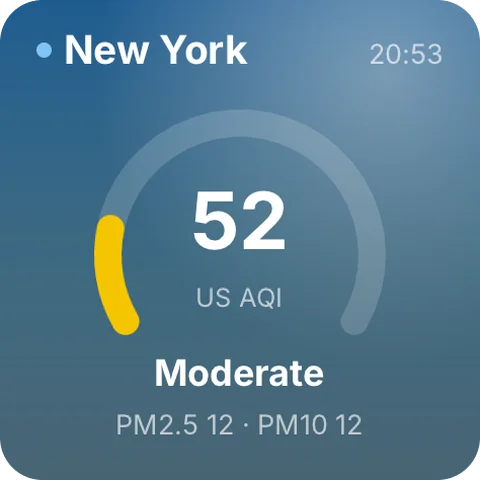 WeatherSky, hourly, air quality and sun11 widgets
Questions
Is Numable free?
Adding tools is always free. Free includes 6 widgets, 1 dashboard and 2 home screen widgets, updating at most once every 5 minutes. Pro has no limits, and each widget updates as fast as its tool allows.
How often do home screen widgets update?
macOS decides how often desktop widgets update, so their data can be a little older than in the app.
Does the data go through Numable's servers?
No. Our servers only distribute signed content packages. Your device fetches data straight from the providers, and it stays on your device.