Funds widget
China mutual fund NAVs and returns. Funds has 7 widgets for your dashboard and for the home screen on your phone and computer.
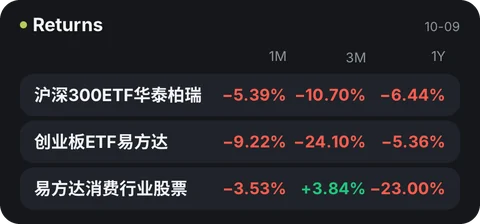
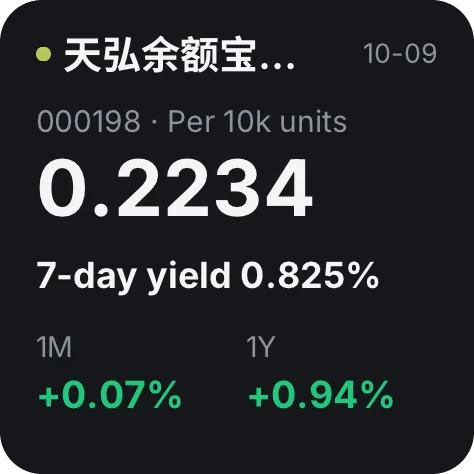
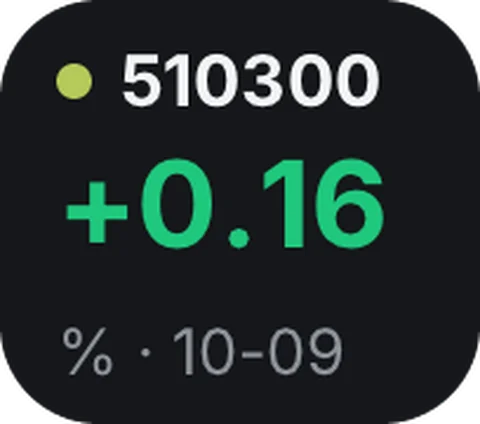
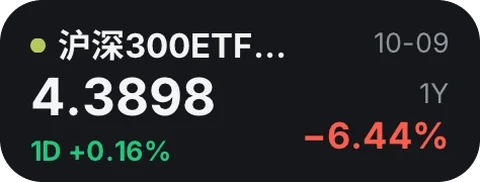
All 7 widgets
- Returns1M, 3M and 1Y returns for 3 funds
- Fund NAVNAV, daily change and returns
- Fund move · tinyDaily change and NAV date
- Fund NAV · miniNAV, daily change and 1-year return
- NAV trendCumulative return over about 3 months
- My fundsUp to 6 · NAV and daily change
- My funds · 3NAV and daily change
Where the data comes from
Your device gets the data straight from the websites below, never through Numable's servers.
fundmobapi.eastmoney.comfundsuggest.eastmoney.comOn your home screen
Add the widget to your dashboard in Numable first, then add a Numable widget to your home screen.
Similar tools
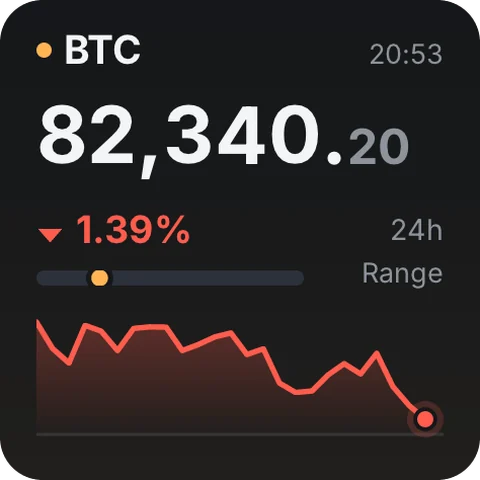 CryptoCharts, order book & funding16 widgets
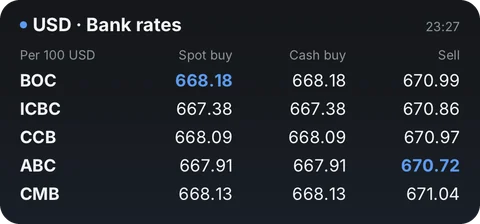 Exchange RatesLive rates, trends & transfer comparisons22 widgetsFuturesFront-month quotes, OI & intraday8 widgets
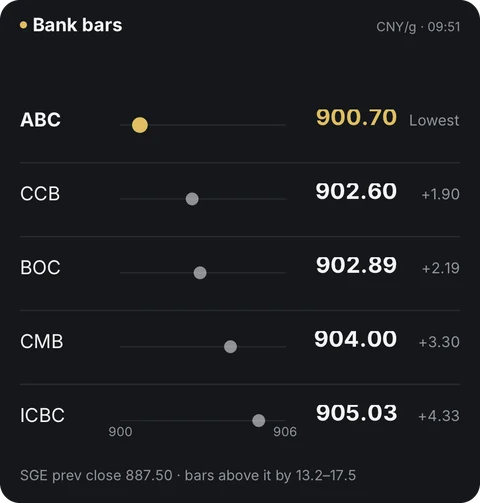 Gold PriceChina & international gold18 widgets
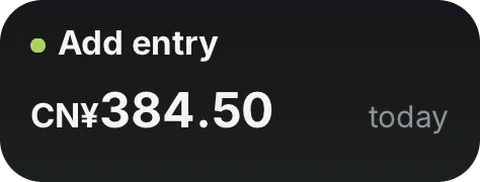 LedgerLog spending fast, see where it goes7 widgets
 Macro CalendarJobs, CPI & Fed rate vs. forecast14 widgets
Questions
Is Funds free?
Adding tools is always free. Free includes 6 widgets, 1 dashboard and 2 home screen widgets, updating at most once every 5 minutes. Pro has no limits, and each widget updates as fast as its tool allows.
Does the data go through Numable's servers?
Your device gets the data straight from these websites, never through Numable's servers: fundmobapi.eastmoney.com, fundsuggest.eastmoney.com.
How often do home screen widgets update?
The system decides how often home screen widgets update, so their data can be a little older than in the app. On HarmonyOS, service widgets show what was on screen the last time you opened Numable.
Which devices are supported?
iPhone, iPad, Mac and Android are available now, each with system home screen widgets. HarmonyOS NEXT and the Windows desktop app are coming soon.