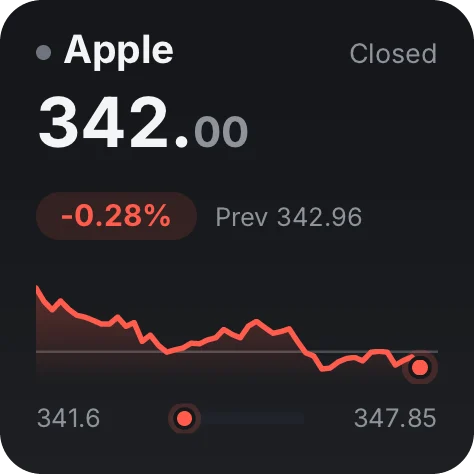
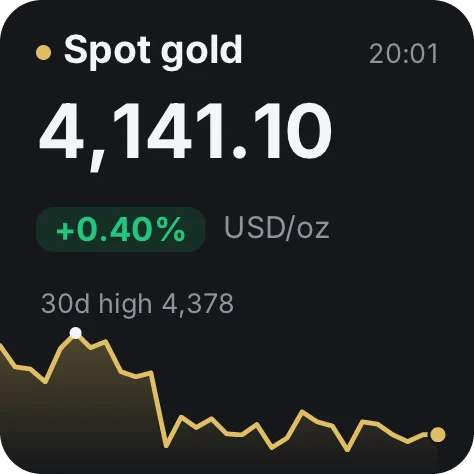
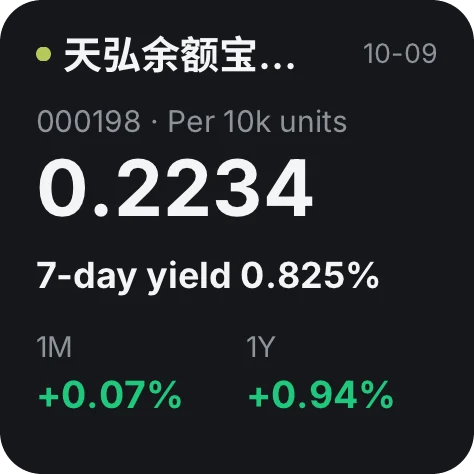
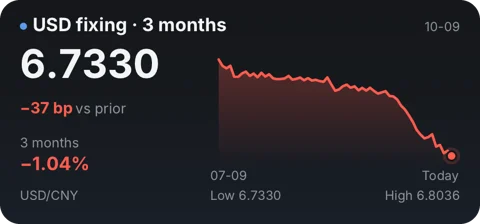
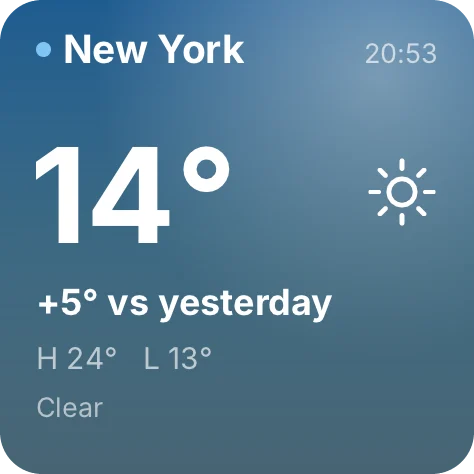
Stocks, FX, commits, weather, your own to-dos. Pick what matters and build your own dashboard.
Pin any widget from your dashboard to the system desktop, as a native widget on every platform.
iPad too; the Windows desktop app runs the same widgets.
Arrange it on your phone, send it to a TV or any spare screen, and it stays on.
New sources keep arriving. If yours isn't there, connect it yourself in the desktop editor, or hand it to the AI you already use.
Lay it out on a canvas, wire sources in a data flow, pick your own refresh rate.
Any AI can rearrange a dashboard; pushing and building need an AI that can run commands, like Claude Code or Codex.

Lay it out on a canvas, wire sources in a data flow, pick your own refresh rate.


Say what you want. The AI replies with an edit link, and nothing changes until you confirm.
Add a push widget, and the AI pushes its results on its own schedule.

The AI builds the whole tool with the numable command line, then checks it and renders previews.
To have AI build a tool, run this inside an AI that can run commands: npx numable@latest workspace init
Push-widget content is held on our servers, latest copy only, and deleted along with the widget.
The core is free. Pick your device.
Some of the tools already available
The core is free: installing tools, dashboards, desktop widgets and the regular refresh rate cost nothing. A subscription for heavy use comes later, and the free tier won't shrink.
No. Our servers only distribute signed content packages; data requests go straight from your device to the source, and the data lives only on your device. If you turn on multi-device sync (a membership feature), only data encrypted on your device is uploaded. The key never leaves your devices, so we can't decrypt it.
iPhone, iPad, Mac, Android and HarmonyOS NEXT (native, not a webview shell), each with system desktop widgets, plus a Windows desktop app.