App Store Board widget
Ratings, releases and your own sales. App Store Board has 23 widgets for your dashboard and for the home screen on your phone and computer.
All 23 widgets
- Latest buildBuild processing + TestFlight testers and 7-day feedback
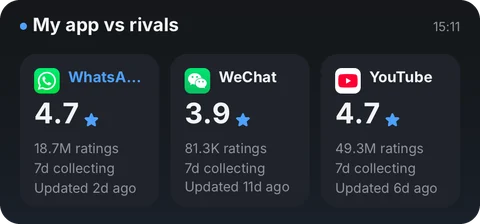
- Vs competitorsMy app side by side with two watched apps
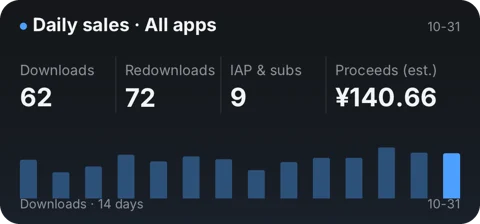
- Daily salesDownloads, updates, in-app, proceeds and a 14-day trend
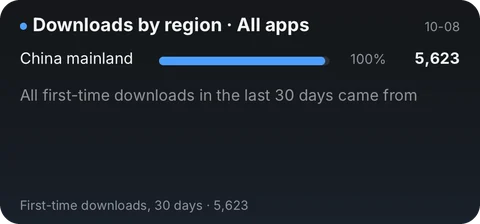
- Downloads by regionTop 5 countries or regions by first-time downloads, last 30 days
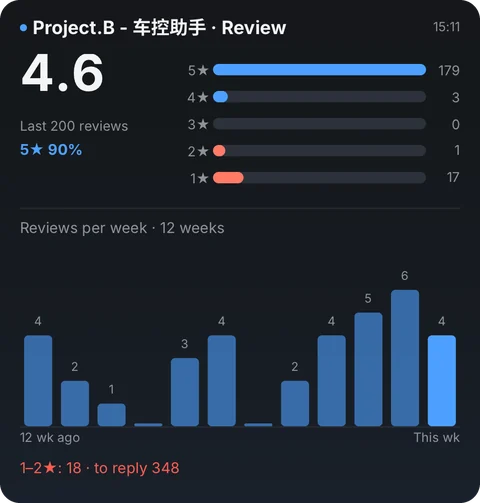
- Review insightsStar mix, weekly volume, low ratings and replies
- Last 12 monthsMonthly downloads and proceeds, year over year, and what Apple has confirmed
- Reviews to replyUnanswered reviews and low ratings
- Reviews to reply (row)An app's unanswered reviews and low ratings
- PerformanceLaunch, hangs, memory and terminations vs the last version
- RatingApp rating and review count
- Rating tileApp rating and review count
- Ratings by regionCompare ratings across four storefronts
- Est. proceedsThe day's proceeds, split by in-app and paid downloads
- Latest reviewAll storefronts and replies for your apps, public reviews for others
- DownloadsFirst-time downloads for the day vs the prior 7 days
- SubscriptionsActive subscriptions, new and canceled that day
- Top FreeApp Store top 6 free apps, by category
- Top PaidApp Store top 3 paid apps, by category
- Last 30 daysDownload and proceeds trend, top apps and countries
- VersionReview progress for your apps, live version for others
- Version stripReview step or live version, one line
- Version (small)Current review step, or the live version
- My apps overviewWatchlist · ratings and versions
Where the data comes from
Your device gets the data straight from the websites below, never through Numable's servers.
itunes.apple.comapi.appstoreconnect.apple.comapi.frankfurter.devOn your home screen
Add the widget to your dashboard in Numable first, then add a Numable widget to your home screen.
Similar tools
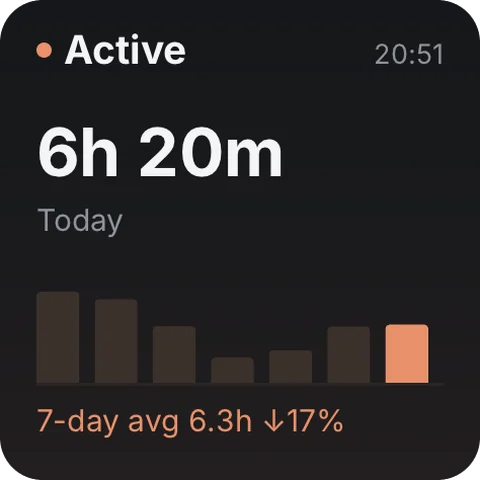 Claude Code UsageToday's usage, recent trend and model mix29 widgets
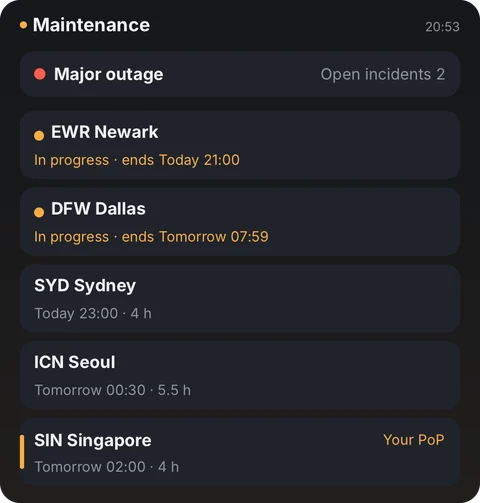 Cloudflare WatchGlobal status and your traffic14 widgets
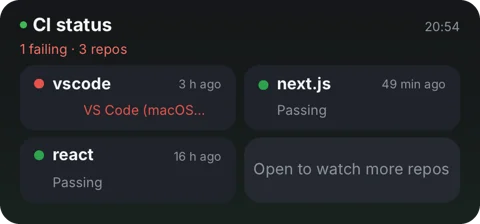 GitHub InboxPRs, CI and your commit rhythm15 widgetsSearch ConsolePerformance, curve, top queries6 widgets
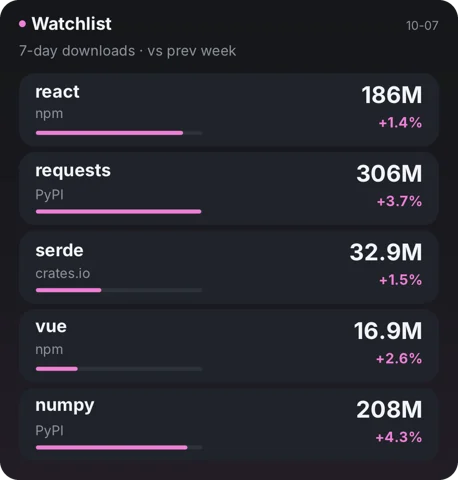 Package StatsWeekly downloads, trends and releases8 widgetsRevenueCatMRR, subscriptions, trials & revenue4 widgets
Questions
Is App Store Board free?
Adding tools is always free. Free includes 6 widgets, 1 dashboard and 2 home screen widgets, updating at most once every 5 minutes. Pro has no limits, and each widget updates as fast as its tool allows.
Does the data go through Numable's servers?
Your device gets the data straight from these websites, never through Numable's servers: itunes.apple.com, api.appstoreconnect.apple.com, api.frankfurter.dev.
How often do home screen widgets update?
The system decides how often home screen widgets update, so their data can be a little older than in the app. On HarmonyOS, service widgets show what was on screen the last time you opened Numable.
Which devices are supported?
iPhone, iPad, Mac and Android are available now, each with system home screen widgets. HarmonyOS NEXT and the Windows desktop app are coming soon.