Cloudflare Watch widget
Global status and your traffic. Cloudflare Watch has 14 widgets for your dashboard and for the home screen on your phone and computer.
All 14 widgets
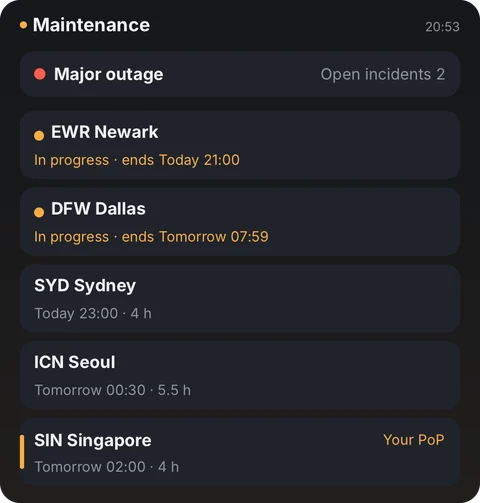
- Maintenance boardStatus bar + next 5 scheduled maintenances
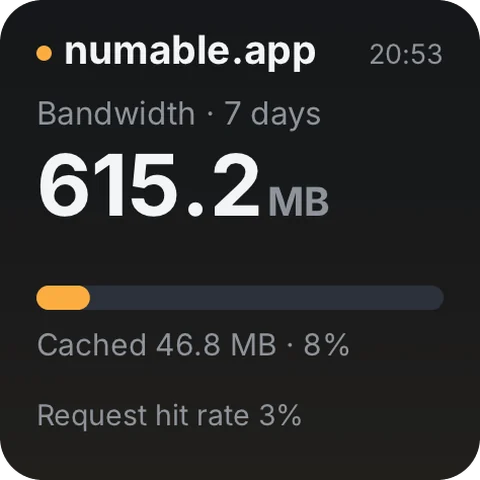
- Bandwidth & cache7-day bandwidth and how much was cached
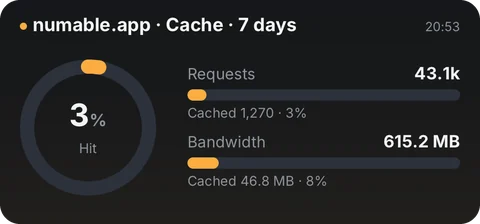
- Cache performance7-day hit rate for requests and bandwidth
- My edge nodeWhich Cloudflare data center you are on
- Incidents · 14 daysDaily count, open and time to resolve
- Traffic mixResponse codes and top countries, 7 days
- Next maintenanceNearest scheduled maintenance · time and duration
- Next maintenanceMini · date, start time and length of the next one
- Global data centersNode health across 7 regions
- Cloudflare statusGlobal service status · active incidents
- Cloudflare statusIs it up right now, and how many open incidents
- Threats blockedBlocked requests over the last 24 hours
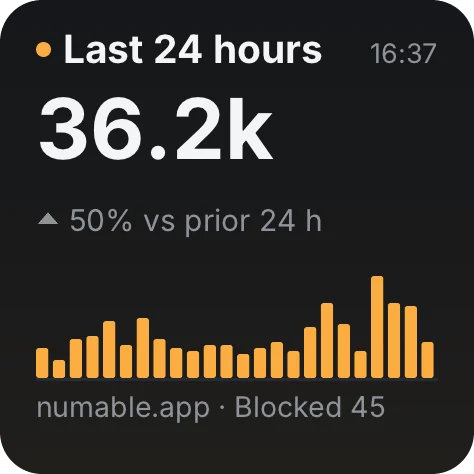
- Requests · 24 hoursHourly bars vs the prior 24 hours
- Request trendDaily requests over the last 30 days
Where the data comes from
Your device gets the data straight from the websites below, never through Numable's servers.
www.cloudflarestatus.comwww.cloudflare.comapi.cloudflare.comThis tool needs your own account credentials. By default they stay in your device's secure storage and are only sent to the service this tool uses.
On your home screen
Add the widget to your dashboard in Numable first, then add a Numable widget to your home screen.
Similar tools
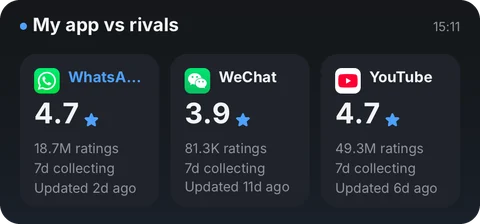 App Store BoardRatings, releases and your own sales23 widgets
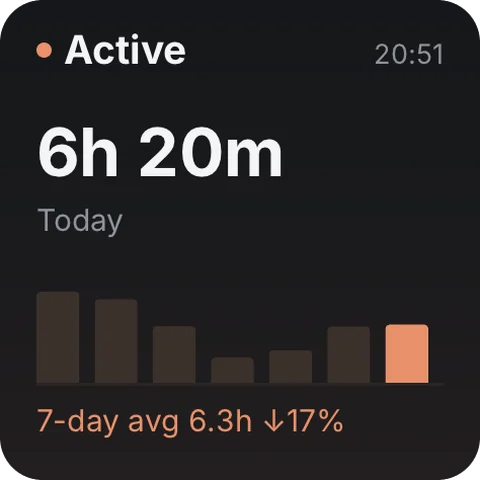 Claude Code UsageToday's usage, recent trend and model mix29 widgets
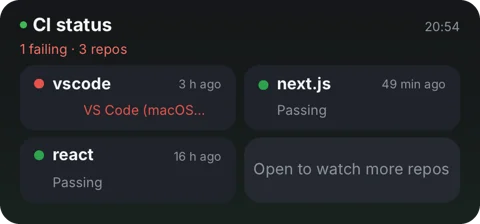 GitHub InboxPRs, CI and your commit rhythm15 widgetsSearch ConsolePerformance, curve, top queries6 widgets
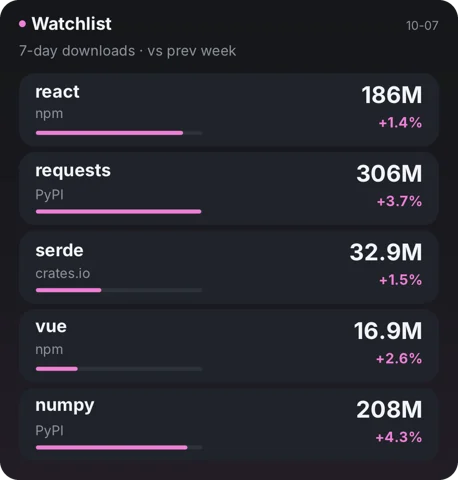 Package StatsWeekly downloads, trends and releases8 widgetsRevenueCatMRR, subscriptions, trials & revenue4 widgets
Questions
Is Cloudflare Watch free?
Adding tools is always free. Free includes 6 widgets, 1 dashboard and 2 home screen widgets, updating at most once every 5 minutes. Pro has no limits, and each widget updates as fast as its tool allows.
Does the data go through Numable's servers?
Your device gets the data straight from these websites, never through Numable's servers: www.cloudflarestatus.com, www.cloudflare.com, api.cloudflare.com. This tool needs your own account credentials. By default they stay in your device's secure storage and are only sent to the service this tool uses.
How often do home screen widgets update?
The system decides how often home screen widgets update, so their data can be a little older than in the app. On HarmonyOS, service widgets show what was on screen the last time you opened Numable.
Which devices are supported?
iPhone, iPad, Mac and Android are available now, each with system home screen widgets. HarmonyOS NEXT and the Windows desktop app are coming soon.