To-do widget
Jot it down, plan it, get it done. To-do has 16 widgets for your dashboard and for the home screen on your phone and computer.
All 16 widgets
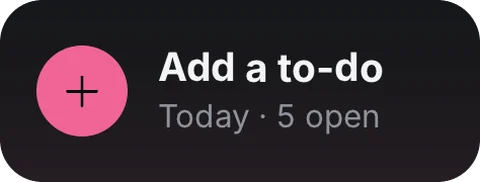
- Add to-doTap to jot one down
- AgendaOverdue + next 7 days, by day
- In progressTop 3 with progress
- One to-doPin one: progress + due
- One to-do · wideProgress, due date, latest note
- To-do listTop 6 of a view (switchable)
- To-do list · smallTop 3 of a view (switchable)
- ListsWhat's left in each list
- Lists · smallYour first 3 lists
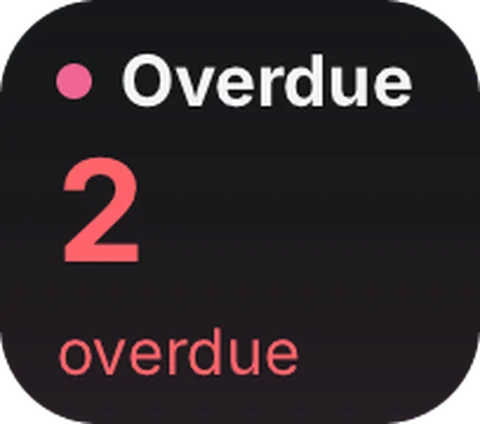
- Overdue · tinyHow many are past due
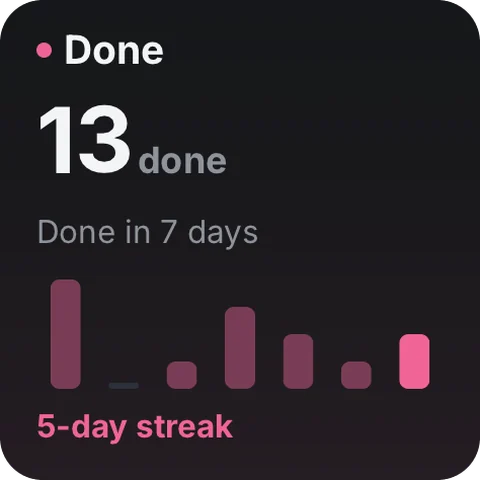
- DoneLast 7 days + streak
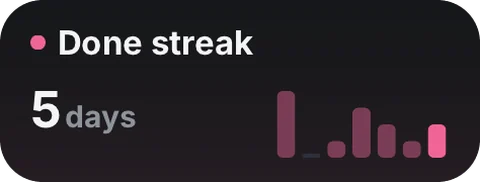
- Done streak · miniDays in a row + last 7 days
- TodayWhat's left + what's next
- Today · tinyWhat's left today
- Today · wideProgress ring + next 3
- Next 7 daysWhat's due each day
Where the data comes from
This tool doesn't use the network. What you record stays on your device.
On your home screen
Add the widget to your dashboard in Numable first, then add a Numable widget to your home screen.
Similar tools
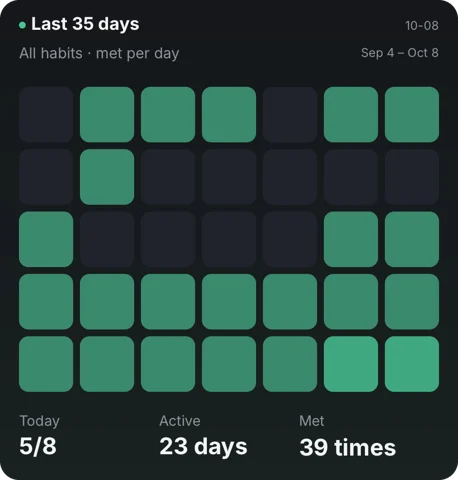 Check-in
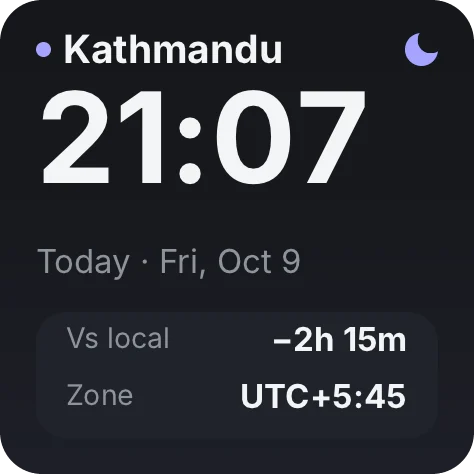 Time Progress
Questions
Is To-do free?
Adding tools is always free. Free includes 6 widgets, 1 dashboard and 2 home screen widgets, updating at most once every 5 minutes. Pro has no limits, and each widget updates as fast as its tool allows.
Does the data go through Numable's servers?
This tool doesn't use the network. What you record stays on your device.
How often do home screen widgets update?
The system decides how often home screen widgets update, so their data can be a little older than in the app. On HarmonyOS, service widgets show what was on screen the last time you opened Numable.
Which devices are supported?
iPhone, iPad, Mac and Android are available now, each with system home screen widgets. HarmonyOS NEXT and the Windows desktop app are coming soon.