Release Watch widget
New versions from repos you follow. Release Watch has 5 widgets for your dashboard and for the home screen on your phone and computer.
Not available in the mainland China version.
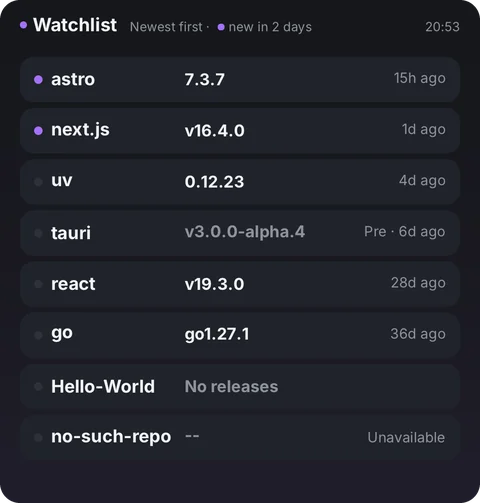
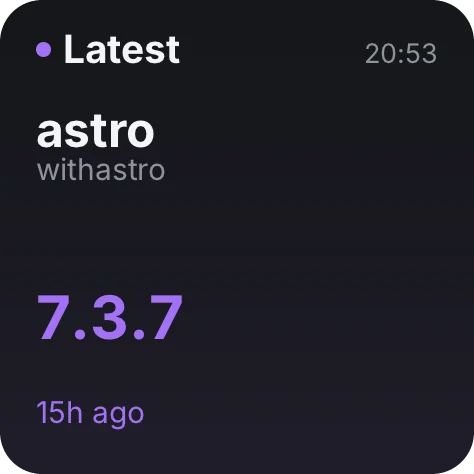
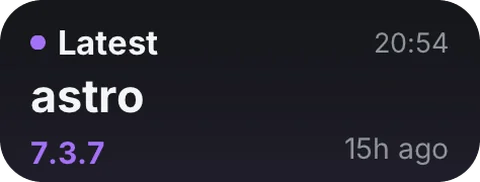
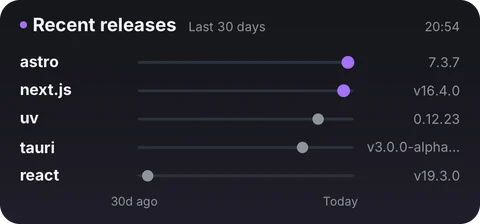
All 5 widgets
- WatchlistAll repos you follow, newest release first
- Latest releaseThe most recent release among repos you follow
- Latest releaseMini · the newest release and when
- Recent releases30-day timeline of the 5 latest releases
- New this weekMicro · repos with a release in the last 7 days
Where the data comes from
Your device gets the data straight from the websites below, never through Numable's servers.
github.comOn your home screen
Add the widget to your dashboard in Numable first, then add a Numable widget to your home screen.
Similar tools
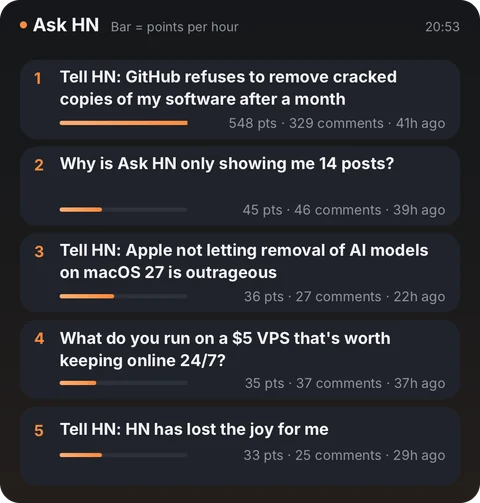 Hacker News
 Hugging Face Papers
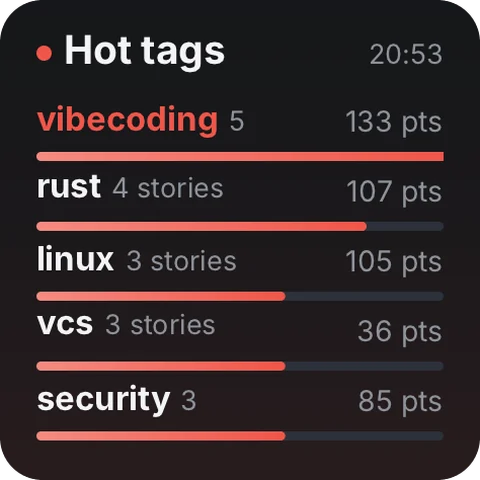 Lobsters
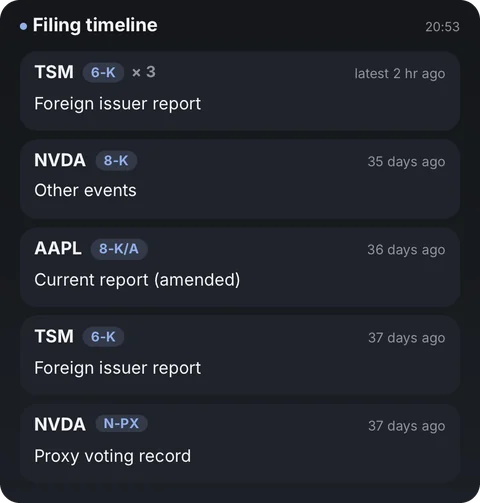 SEC Filings
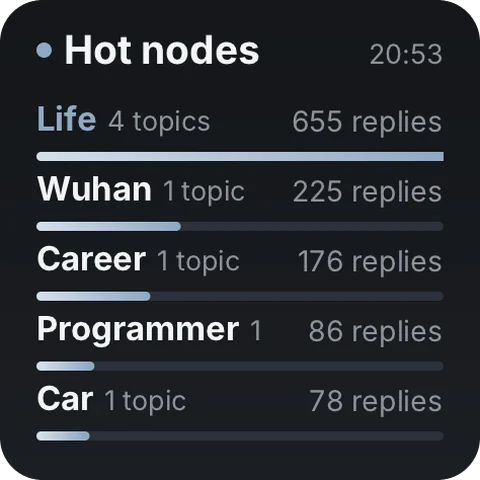 V2EX
Questions
Is Release Watch free?
Adding tools is always free. Free includes 6 widgets, 1 dashboard and 2 home screen widgets, updating at most once every 5 minutes. Pro has no limits, and each widget updates as fast as its tool allows.
Does the data go through Numable's servers?
Your device gets the data straight from these websites, never through Numable's servers: github.com.
How often do home screen widgets update?
The system decides how often home screen widgets update, so their data can be a little older than in the app. On HarmonyOS, service widgets show what was on screen the last time you opened Numable.
Which devices are supported?
iPhone, iPad, Mac and Android are available now, each with system home screen widgets. HarmonyOS NEXT and the Windows desktop app are coming soon.